Friday, December 23, 2011
 Anu
Anu

All websites and forums will block unregistered users, but they won’t
block Google Bot. What we will do is to switch our User Agent to that of
Google Bot and freely browse any website or forum without registering.
Welcome to my site. Please CLICK HERE to give your opinions regarding this new look of "PCTipsbyAnu". Thanks for visiting.


Download Timestopper


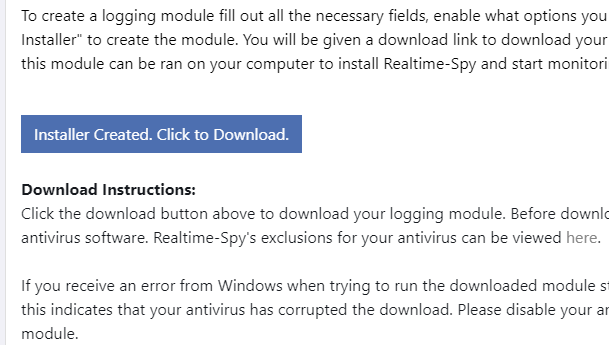
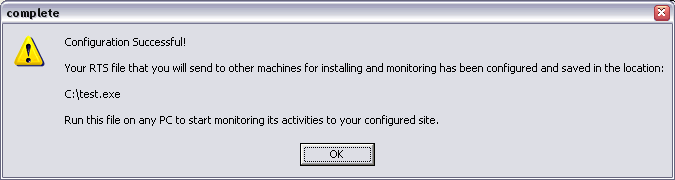
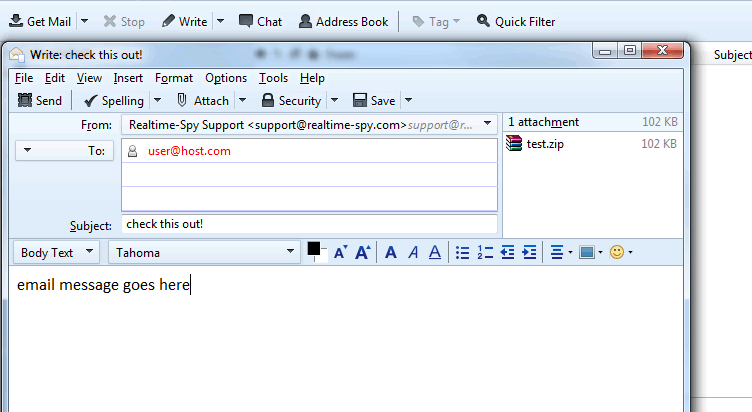
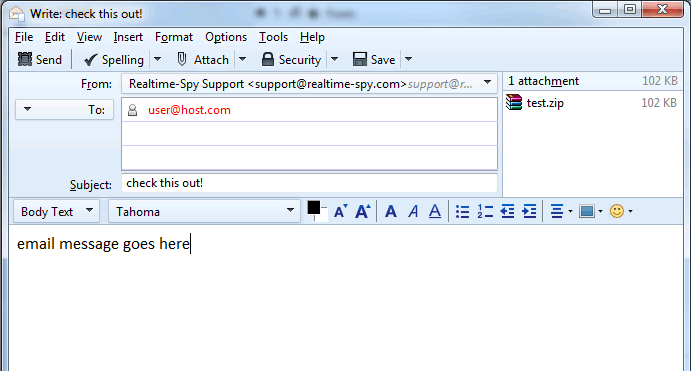
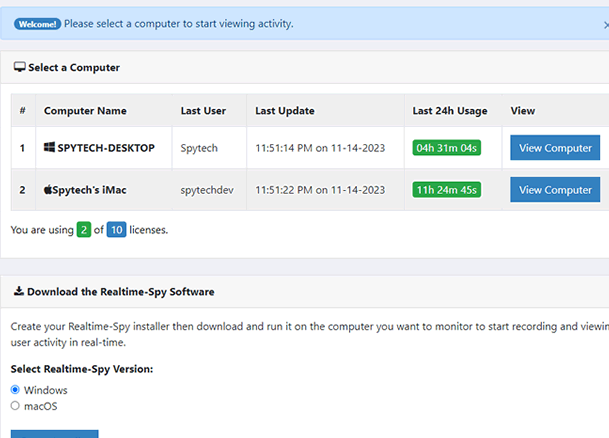
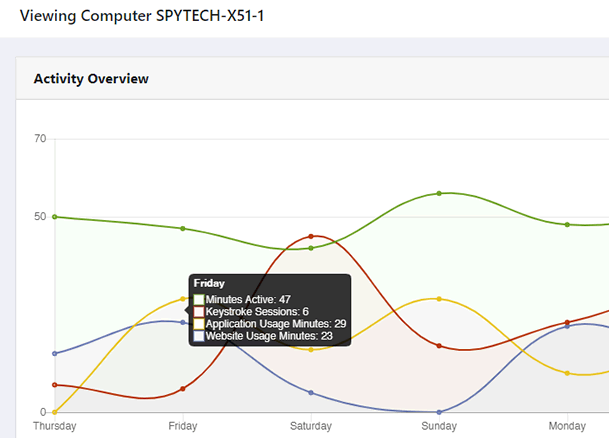
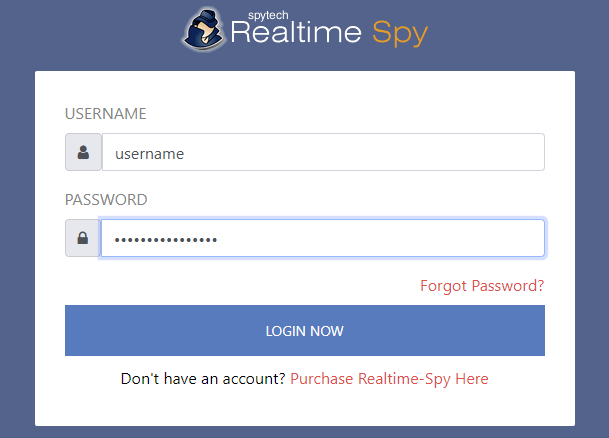
| I get this question asked daily "How to hack a computer remotely" OR "How to install a keylogger in a remote machine".As we know that in order to install a keylogger we must have physical access to victims computer.There are lots of methods to gain physical access such as Netbios hacking ,Trojans, Rats etc.However these methods require alot of skill and its very difficuly for newbies to do it.Alternatively we use a keylogger(Remote installation supported).All we have to do is to make sure that the remote file gets installed into victims computer and your done.Below we will go through the necessary steps required to hack a computer remotely and install a keylogger.I will be using Realtime spy. Step 1 First of all download Realtime spy.After downloading your copy of Realtime-Spy navigate to where you downloaded (in this case it is on the Windows desktop). Double click the Realtime-Spy installer file to start the install. NOTE: After install is complete you can delete this file! |
 |
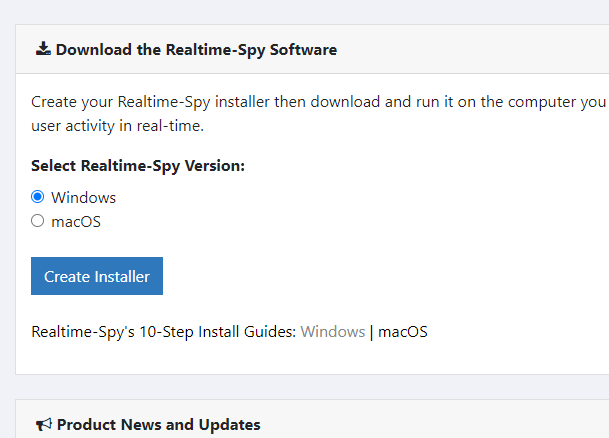
| Step 2 Upon finishing the installation you will be able to run Realtime-Spy's configuration file immediately. Do this and continue to the next step. |
 |
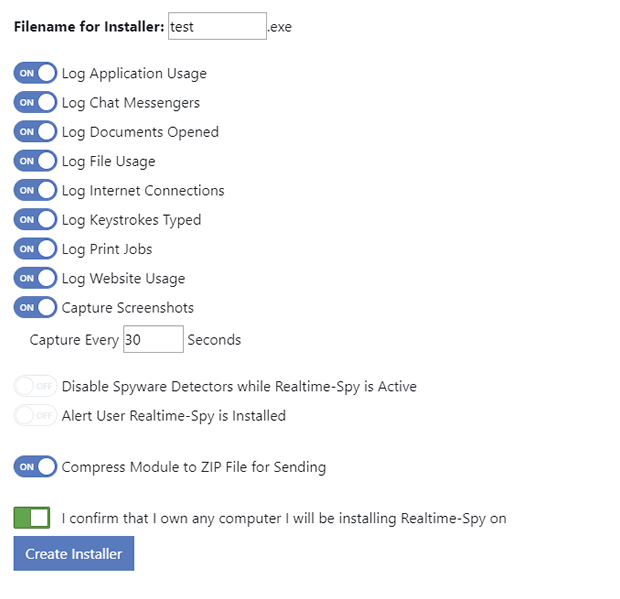
| Step 3 You will now see the Realtime-Spy configuration window. Enter in your username and password that you received after purchasing Realtime-Spy. These must be entered EXACTLY as given. They are case sensitive, and take care not to mix up 0's with O's and I's with l's. After you enter your username and password, choose whether or not you want Realtime-Spy to display a splash warning whenever it is ran, and how often you want it to clear its logs. After you enter your username/password and select the options you want - press "next" to go to the next configuration panel. |
 |


Ok guys, here is a simple n effective way to crack/unlock a locked hdd/harddisk password. So lets check it out...
During development of the Rockbox firmware, on several occations the
harddisk has become locked, i.e. password protected. This results in
the Archos displaying:
Part. Error
Pls Chck HD
We are still not 100% sure why it happened. Theories range from
low-power conditions to accidental chip select failure. It has also
happened for normal users, using the standard Archos-supplied
firmware, although it was more frequent for us developers.
Note: None of us developers have experienced this problem since march 2002.
We do however know how to unlock the disk:
Windows/DOS unlock
Note: This requires taking the Archos apart, which will void your warranty!
Grab atapwd
Create a bootable DOS floppy disk, and put atapwd.exe on it
Remove the harddisk from your Archos and plug it into a laptop (or a
standard PC, using a 3.5" => 2.5" IDE adapter)
Boot from the floppy and run atapwd.exe
Select the locked harddrive and press enter for the menu
For Fujitsu disks: Choose "unlock with user password", then "disable
with user password". The password is empty, so just press enter at the
prompt.
For Toshiba and Hitachi disks, if the above doesn't work: Choose
"unlock with master password", then "disable with master password".
The password is all spaces.
Your disk is now unlocked. Shut down the computer and remove the disk.
Big thanks to Magnus Andersson for discovering the Fujitsu (lack of)
user password!
There is also a program for win32, ArchosUnlock.exe, that creates a
linux boot disk with the below mentioned patched isd200 driver.
Linux unlock
For those of us using Linux, we have written an isd200 driver patch. This modified driver will automatically unlock
the disk when you connect your Archos via USB, so you don't have to do
anything special. Apply the patch to a 2.4.18 linux kernel tree.
Still locked?
If the above suggestions don't work, here's some background info about
the disk lock feature:
The disk lock is a built-in security feature in the disk. It is part
of the ATA specification, and thus not specific to any brand or
device.
A disk always has two passwords: A User password and a Master
password. Most disks support a Master Password Revision Code, which
can tell you if the Master password has been changed, or it it still
the factory default. The revision code is word 92 in the IDENTIFY
response. A value of 0xFFFE means the Master password is unchanged.
A disk can be locked in two modes: High security mode or Maximum
security mode. Bit 8 in word 128 of the IDENTIFY response tell you
which mode your disk is in: 0 = High, 1 = Maximum.
In High security mode, you can unlock the disk with either the user or
master password, using the "SECURITY UNLOCK DEVICE" ATA command. There
is an attempt limit, normally set to 5, after which you must power
cycle or hard-reset the disk before you can attempt again.
In Maximum security mode, you cannot unlock the disk! The only way to
get the disk back to a usable state is to issue the SECURITY ERASE
PREPARE command, immediately followed by SECURITY ERASE UNIT. The
SECURITY ERASE UNIT command requires the Master password and will
completely erase all data on the disk. The operation is rather slow,
expect half an hour or more for big disks. (Word 89 in the IDENTIFY
response indicates how long the operation will take.) Thanks... 
DOWNLOAD LINKWebapplication attacks, launched on port 80/443, go straight through thefirewall, past operating system and network level security, and rightin to the heart of your application and corporate data. Tailor-made webapplications are often insufficiently tested, have undiscoveredvulnerabilities and are therefore easy prey for hackers.


DOWNLOAD THESE TOOLS :
Hackers Disassembler
Resourcce Hacker INSTALLER and This one
Universal Patch Creator


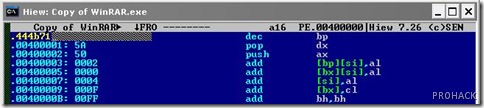
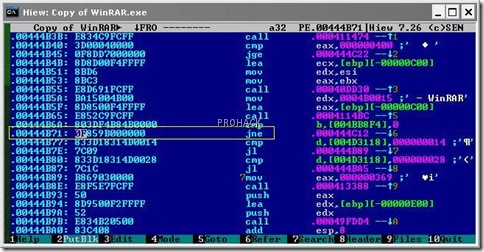
00444B6A: 803DF4B84B0000 cmp byte ptr [004BB8F4], 00Thisis the code responsible for validating you as a legal user :) .
00444B71: 0F859B000000 JNE 00444C12

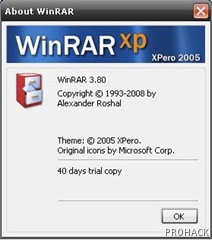
ID-REMINDER, “Please purchase WinRAR license”
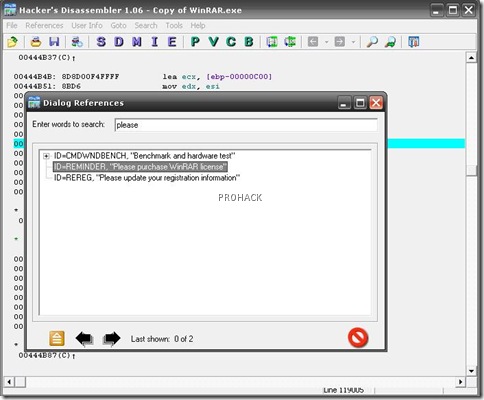
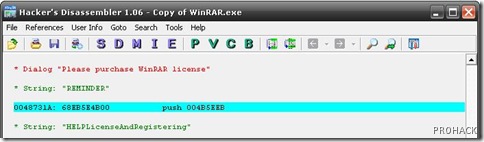
* String: “REMINDER”Just note the memory address that invokes the REMINDER dialog.
0048731A: 68EB5E4B00 push 004B5EEB


Type .444B71 in place of 00444B71